GigaBrowser
A private browser with ad blocking, built right in.
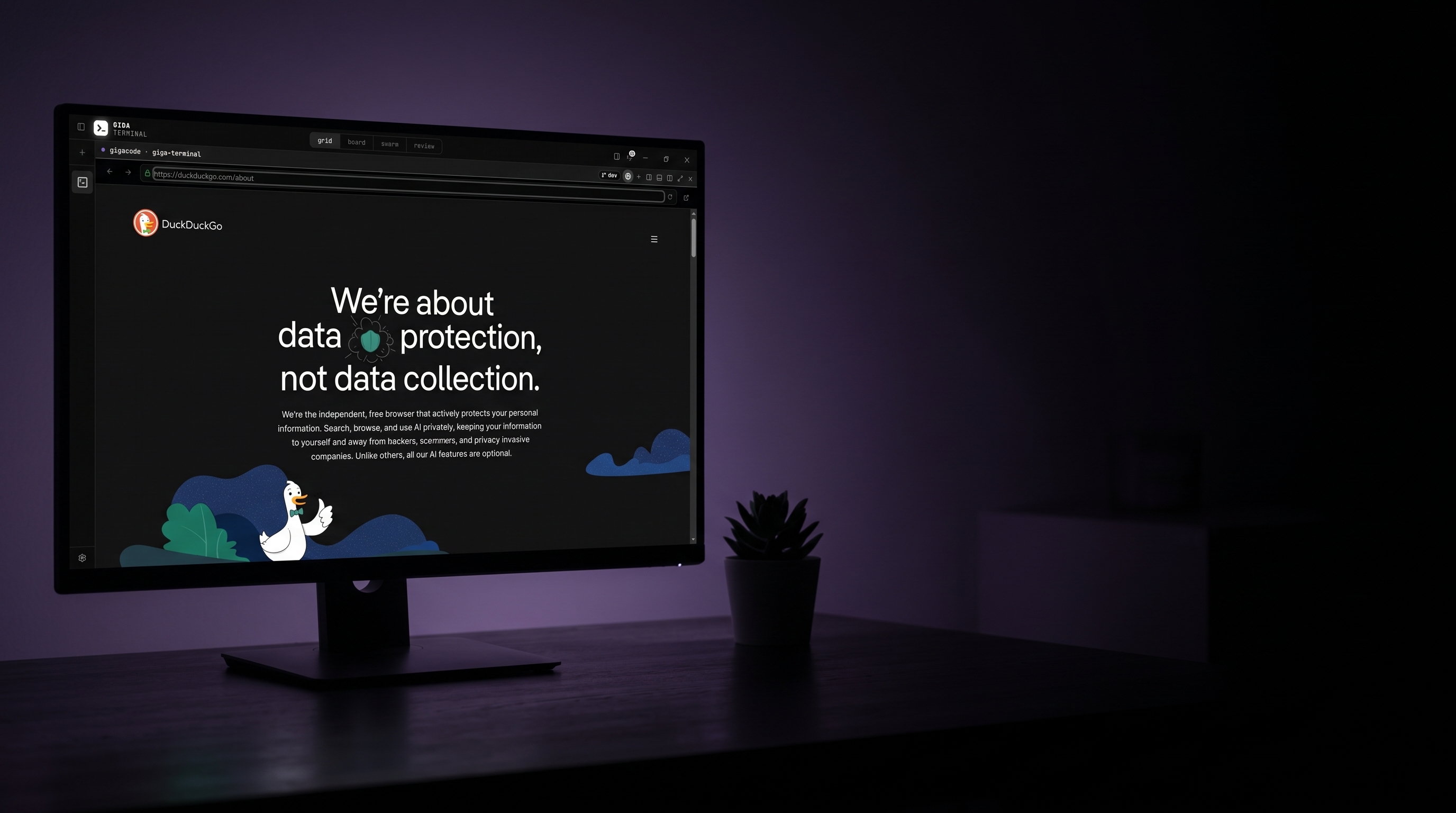
GigaBrowser is a private browser built into Giga Terminal, with ad and tracker blocking. Read docs, do research, and follow links without leaving the app.
Giga Terminal v0.1.0 is out for Windows. Download
GigaBrowser is a private browser built into Giga Terminal, with ad and tracker blocking. Read docs, do research, and follow links without leaving the app.
Ghostery’s blocklists filter every page the app opens. There is nothing to install and nothing to configure.
The same filter lists stop the ads and the trackers that follow you across the web.
Ctrl+click a URL in agent output and the page opens right there, ready to read.
Every page the app opens goes through the same built-in ad blocking.
One click turns any terminal pane into a browser. One more brings the terminal back exactly as it was, session and scrollback intact.
Ctrl+click a URL in agent output and the page opens right there, ready to read, not in a separate browser window.
Ads and trackers are filtered on every page automatically. The blocklists cache after the first load, so it keeps working offline.
Giga Terminal is mission control for AI coding agents. Assigned work gets built, reviewed, and merged.